Sharp NZ: Enterprise Printer Security & Document Data Protection for New Zealand Workplaces.
Secure Your Printers Like Any Other Network Endpoint
Modern multifunction printers (MFPs) are connected business devices that store, process and transmit sensitive information. Sharp NZ provides layered printer security solutions designed to protect confidential documents, prevent unauthorised access and reduce cybersecurity risks across New Zealand workplaces.
Learn more about this in our Workplace Technology Glossary.
Sharp Printer Security at a Glance:
- Enterprise Protection: Integrated security technologies including Bitdefender® anti-malware protection help safeguard connected print devices from evolving threats.
- Identity-Based Access: Microsoft Entra ID and Microsoft 365 integration enables secure user authentication and controlled device access.
- Data Protection: Automatic 256-bit AES encryption and secure data overwrite protect information stored on printer hard drives.
- Compliance Support: Security features help organisations meet New Zealand Privacy Act 2020 obligations for protecting personal and confidential information.
- Managed Security Approach: Sharp NZ provides ongoing optimisation, monitoring and support for print environments from small businesses to enterprise fleets.
Why Printer Security Matters in Modern Businesses
Printers are often overlooked as part of an organisation’s cybersecurity strategy, yet modern multifunction devices can:
- Store copies of printed, scanned and copied documents
- Connect directly to business networks
- Access cloud platforms and email systems
- Process confidential customer, financial and employee information
Without appropriate security controls, unsecured printers can become an entry point for data breaches, unauthorised access and compliance risks.
Built-in Multi-Layered Security and Optional Bitdefender® Antimalware
Get real-time protection against viruses, malware, and ransomware directly from the printer.
24/7 SIEM Monitoring & Alerts
Sharp's Print Security Service integrates with your IT environment to monitor activity and detect anomalies day and night.
Data Encryption & Secure Print Release
Ensure confidential documents are only released to the right person with encrypted data paths and PIN-based printing.
Firmware Integrity & Self-Recovery
Automatically detects and restores to a safe state if firmware is compromised, preventing malicious takeovers.
Sharp NZ’s Layered Printer Security Approach
A secure print environment requires more than password protection. Sharp combines hardware, software and managed services to provide protection across the entire document lifecycle.
| Security Layer | Sharp NZ Security Capability | Business Benefit |
| Device Protection | Multi-layered security and optional Bitdefender® anti-malware integration | Helps protect MFPs against malicious software and cyber threats |
| User Authentication | Microsoft Entra ID and Microsoft 365 integration | Ensures only authorised users access print services |
| Document Security | Secure Print Release and Follow-Me Printing | Prevents confidential documents being left unattended |
| Data Protection | 256-bit AES encryption and secure data overwrite | Protects stored information if devices are retired or compromised |
| Network Security | Port control, protocol management and configuration hardening | Reduces unnecessary exposure across the network |
| Security Lifecycle | Ongoing firmware updates and optimisation | Maintains security protection over the device lifecycle |
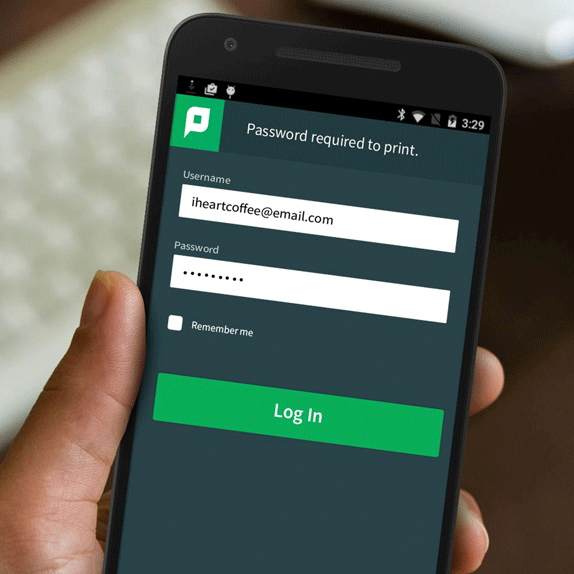
Secure Print & Document Release Control
Preventing Unattended Document Exposure
Secure Print Release ensures documents are only printed when the authorised user is physically present at the device.
How it works
- Print jobs are held in a secure queue
- Users authenticate at the device (PIN, card, or login)
- Documents are released only after verification
Risk reduction outcome
- Reduces the risk of confidential documents being left in output trays
- Helps prevent unauthorised internal viewing of sensitive information
- Supports shared office environments and hybrid workplaces
Device Hardening & Intrusion Protection
Securing the Printer at the Network Level
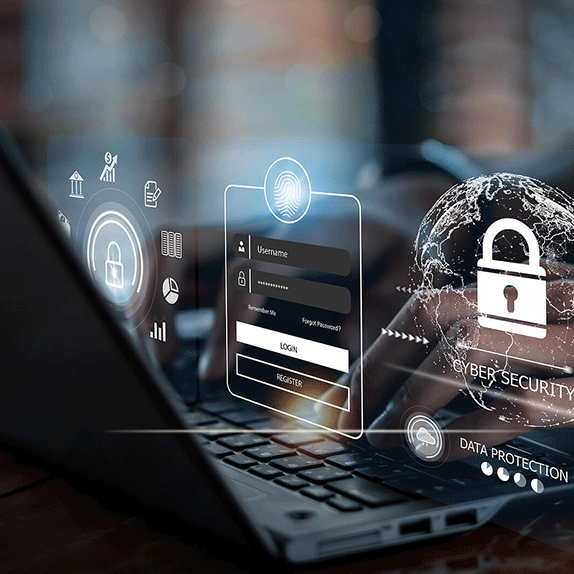
Sharp MFPs are designed with layered device security controls that reduce attack surfaces and prevent unauthorised access.
Security controls include:
-
Secure boot validation to prevent unauthorised firmware
-
BIOS and firmware integrity checking
-
Hard drive encryption (where enabled/configured)
-
Network authentication controls (user and admin access restrictions)
-
Optional advanced security modules depending on model and configuration
Important note on configuration
Not all devices include all security features by default. Some capabilities (such as advanced endpoint protection or additional security software like Bitdefender integration) may require licensing or enablement depending on the model and deployment design.
Audit Logging & Data Governance
Visibility Across Every Print Action
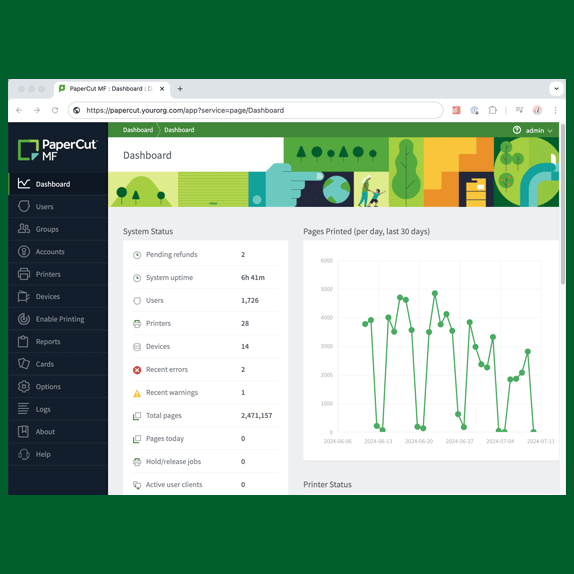
Audit logging provides visibility into device usage and document activity.
What is tracked:
-
User authentication events
-
Print, scan, and copy activity
-
Device access logs
-
Administrative changes
Why it matters:
-
Supports internal governance and accountability
-
Assists with compliance audits
-
Enables IT teams to investigate suspicious activity
-
Helps enforce print policies across departments
How Sharp Printer Security Compares
| Security Requirement | Sharp NZ Secure Print Environment | Basic Printer Security |
| Endpoint Security | Integrated multi-layered security controls including optional Bitdefender® protection | Limited built-in protections |
| User Access | Microsoft Entra ID authentication options | Shared passwords or basic PIN access |
| Stored Data Protection | Encrypted storage and secure data overwrite | Manual configuration required |
| Compliance Support | Designed to support NZ Privacy Act 2020 obligations | Limited governance guidance |
| Ongoing Security | Managed optimisation and lifecycle support | Reactive maintenance approach |
Printer Security Checklist: How to Harden Your Office MFPs
1. Secure User Authentication
Connect devices with existing business identities to prevent anonymous printing and ensure every user action can be controlled.
✓ Microsoft Entra ID integration
✓ User authentication
✓ Access permissions
2. Enable Secure Print Release
Prevent confidential documents from sitting unattended in output trays.
✓ Follow-Me printing workflows
✓ User verification before release
✓ Reduced document exposure
3. Protect Stored Printer Data
Modern MFPs contain storage that may retain document information.
✓ 256-bit AES encryption
✓ Automatic data overwrite
✓ Secure device disposal processes
4. Harden Network Configuration
Reduce potential vulnerabilities by reviewing device settings.
✓ Disable unused protocols
✓ Restrict unnecessary ports
✓ Apply firmware updates
Supporting New Zealand Businesses With Secure Print Solutions
As a New Zealand technology partner, Sharp helps organisations secure their print environment through:
Security Assessment
Review your current print infrastructure and identify potential vulnerabilities.
Secure Deployment
Configure devices using recommended security practices from installation.
Ongoing Optimisation
Maintain security settings, firmware updates and lifecycle improvements.
Local Support
Access nationwide Sharp NZ service and technical expertise.
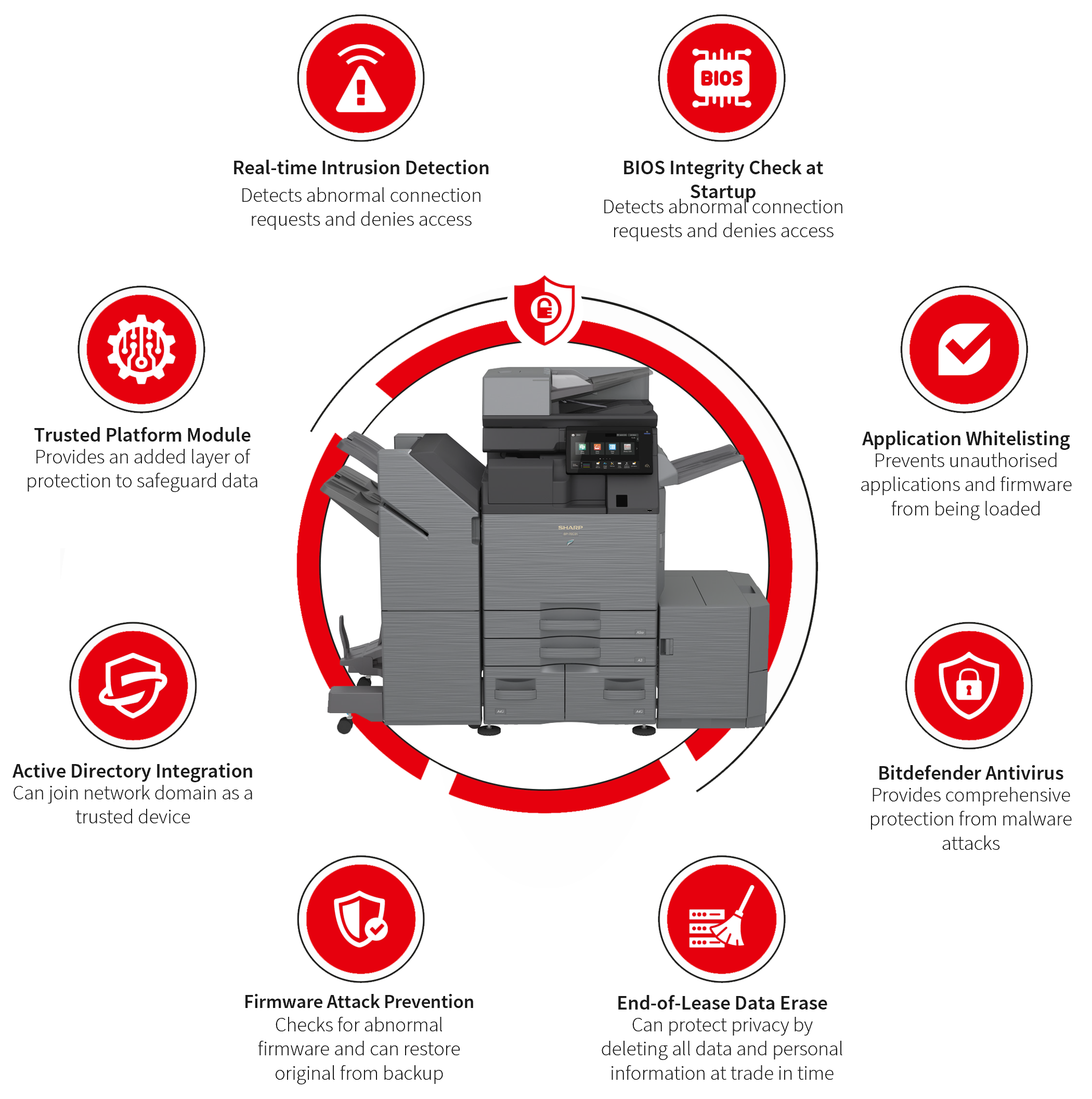
Sharp NZ Printer Security Features
Sharp multifunction printers are designed with security built into the device architecture, including:
- Secure Boot protection
- Firmware verification
- User authentication controls
- Data encryption
- Secure erase functionality
- Network security configuration options
- Integration with Microsoft cloud environments
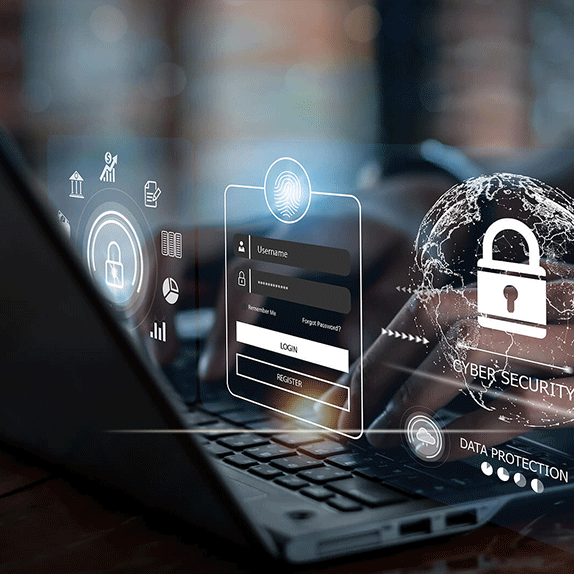
Multifunction printer protection against known and unknown malware.
With Bitdefender advanced antimalware technology, scanning all data and files processed on the Sharp A3 MFPs, organisations can detect malicious activity and threats at an early stage before the business is impacted.
Integrated into the new Sharp Future Workplace A3 line of MFPs, the Bitdefender antimalware engine performs real-time scanning of all input and output data from the devices, alerting users, IT or security teams when threats are detected.
Frequently Asked Questions
Are printers a cybersecurity risk?
Yes. Modern printers are network-connected endpoints that can store sensitive information, access business systems and potentially become targets for cyber attacks if not secured correctly.
How can I secure my business printers?
Businesses should enable user authentication, secure print release, encryption, firmware updates, network hardening and ongoing security management.
Do Sharp printers support Microsoft Entra ID?
Yes. Sharp multifunction printers support integration with Microsoft environments including Microsoft Entra ID authentication to improve user access control.
Are Sharp printers compliant with the NZ Privacy Act 2020?
Sharp security features help organisations implement appropriate safeguards for protecting personal information under the New Zealand Privacy Act 2020.
What happens to data stored on a printer hard drive?
Sharp devices include security features such as encryption and secure data overwrite to help protect stored information throughout the device lifecycle.
How much does printer security cost?
Printer security costs vary depending on device numbers, business requirements and security controls required. Sharp NZ provides solutions ranging from small business environments through to large enterprise print fleets.
Related Articles
Found what you're looking for?
Search our website for products, FAQs, software and drivers here...